
Instagram Suspended After Logging Into New Device
24 May 2026 · Hamed
Instagram Accounts Getting Disabled After New Login 2026
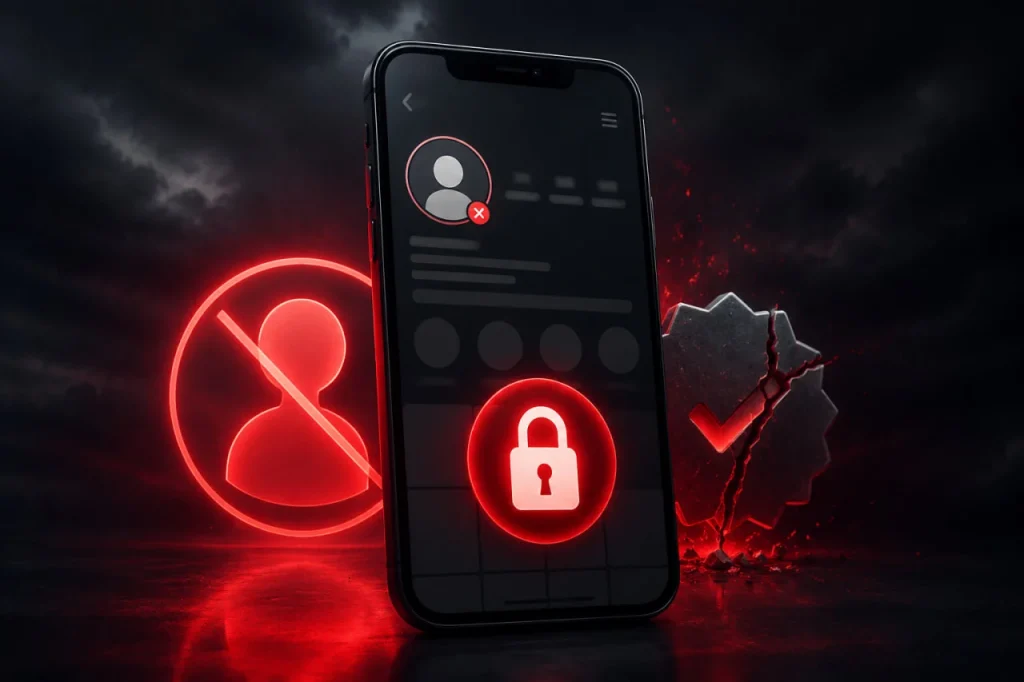
In recent months, many Instagram users around the world have reported that their accounts suddenly became suspended or disabled right after logging into a new device or session.
This issue is not limited to Iranian users. Reports have come from users in the United States, Europe, India, Asia, and many other countries.
Based on international forum discussions such as Reddit and also the experience of UserSell, Meta’s AI moderation and security systems sometimes incorrectly flag legitimate accounts as suspicious.
Website:
Why Does Instagram Become Sensitive After a New Login?
Meta’s AI systems are designed to detect hacked or stolen accounts. Because of this, sudden behavior changes can trigger security checks.
Examples include:
- Logging in on a new phone
- Changing IP addresses frequently
- Using VPN services
- Changing countries suddenly
- Changing email, phone number, and password together
- Using unofficial Instagram apps
- Using follower tracker apps
- Using dual apps or cloned apps
- Heavy activity immediately after login
What You Should NOT Do After a New Login
Based on user experiences and observations from UserSell, it is recommended to behave naturally and avoid major changes for at least 15 days after logging into an account on a new device.
Avoid Doing These Things:
- Changing the username
- Changing the email or phone number
- Changing passwords repeatedly
- Deleting many posts
- Mass follow/unfollow activity
- Using automation bots
- Using unfollower tracker apps
- Using modified Instagram applications
- Logging into multiple devices at once
- Switching VPN countries frequently
For the first days, it is often safer to simply stay logged in without heavy activity.
Instagram Selfie Verification Process
Many users report seeing the following steps:
- Email or phone verification request
- Verification code request
- Video selfie request
- “Your information is under review” message
When completing the video selfie:
- Use good lighting
- Make sure your face is clear
- Do not use filters
- Move naturally
- Use the same device and internet connection if possible
Important:
UserSell does NOT provide Instagram disabled account recovery services.
In most situations, the best person to recover an account is the actual owner using their original device and internet connection.
This process is usually not “specialized” or “secret,” and many recovery services simply repeat the same public steps available to users.
At UserSell, Instagram account buying and selling is handled carefully and professionally in order to minimize the risk of account suspension or disable issues.
What To Do If Your Instagram Gets Disabled
- Stay calm
- Do not spam appeal forms
- Do not switch VPN locations constantly
- Use the same device if possible
- Avoid suspicious apps
- Complete the selfie verification carefully
- Wait patiently for review
Some users have reported that their accounts were automatically restored after several days or weeks.
Related Guides
- Instagram video selfie verification and disabled accounts – Our follow-up article with newer findings from users and communities, plus step-by-step tips if Instagram asks for a video selfie.
- How to recover a disabled Instagram account – A complete guide for the moment after the account is already disabled. It explains what to do first and which mistakes to avoid.
- Guide to preventing Instagram hacks – Shows how to protect your login with two-factor authentication and safe habits, so security checks are less likely.
- Safely buying or selling Instagram accounts – Read this if the new login happens because you bought an account. It explains how to take over a page with fewer risks.
- UserSell escrow service – Explains how payment is held safely until the account is handed over.
Frequently Asked Questions
1- Is this problem only happening to Iranian users?
No. Users from the US, Europe, India, and many other countries have reported the same issue.
2- Does using a VPN increase the risk?
Yes, especially when changing countries frequently.
3- Is logging in on a new phone risky?
Currently, new device logins are one of the main triggers for Meta’s security systems.
4- Are follower tracking apps dangerous?
Yes. Many users experienced restrictions after using such apps.
5- Should I avoid changing email and phone together?
Yes. It is better to avoid major changes immediately after a new login.
6- Is the selfie verification reviewed by AI?
In many cases, Meta uses AI systems to process identity verification.
7- Can Instagram disable accounts by mistake?
Yes. There have been many reports of false positives and incorrect AI suspensions.
Content Usage
Copying this article is allowed only with proper source credit.
Source:
UserSell
Leave a comment