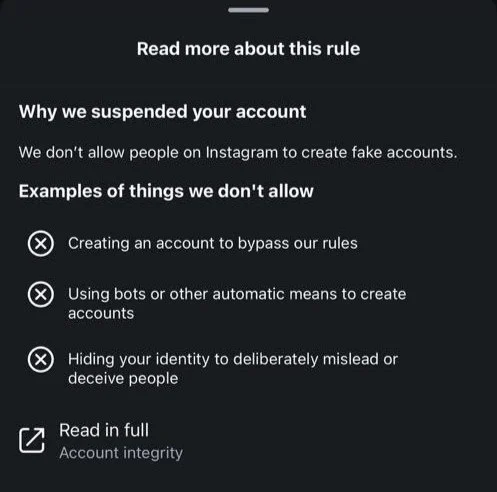
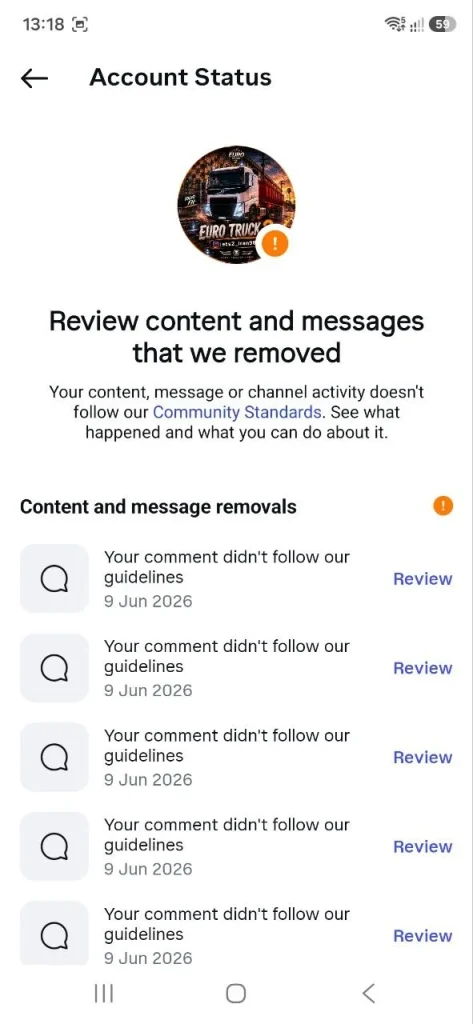
What is the cause of comment deletion on Instagram and the “Your comment didn’t follow our guidelines” error?
21 October 2026 · Hamed
Why Does Instagram Delete Comments for Spam? (Fix: “Your comment didn’t follow our guidelines”)
If you have encountered the warning message “Your comment didn’t follow our guidelines” in your Instagram Account Status and are facing multiple comment removals due to Spam, you are probably wondering what caused this and how to fix it.
In this article, we will examine in detail which behaviors trigger Instagram’s anti-spam system and what steps you should take to save your account from restrictions.
1. Why Does Instagram Remove Comments as “Spam”?
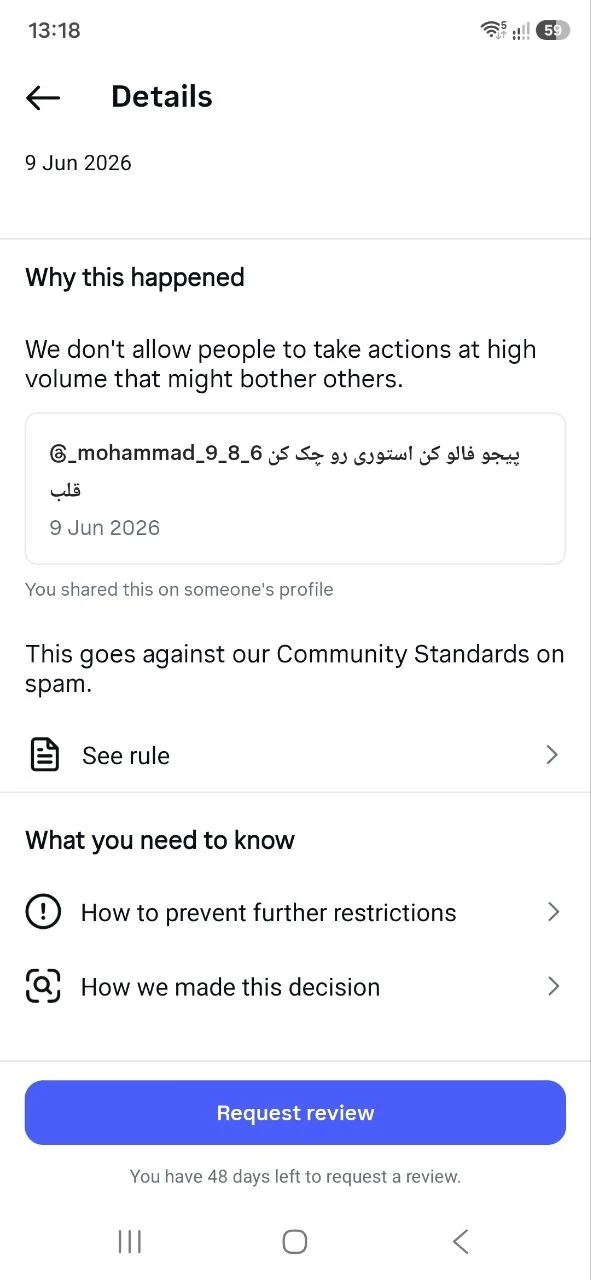
Meta’s intelligent anti-spam algorithm is extremely sensitive to repetitive and unnatural interactions. According to Instagram’s official Community Standards, the main examples of spam in comments include:
- Repeatedly posting identical text: Sending a fixed text (such as asking for a follow, telling people to check your story, or promotional messages) repeatedly within a short period.
- Using automated tools and bots: Commenting, liking, or following at high speeds that exceed normal human capability.
- Mass interaction with strangers: Aggressively messaging or commenting on accounts with which you have no prior relationship.
2. A Major Mistake: Promoting Telegram Channels or Links in Comments (Even on Your Own Posts!)
One of the biggest mistakes many page administrators make is assuming that because a post belongs to them, they are allowed to place any link or invitation in the comments section. The reality is:
Placing Telegram channel handles, WhatsApp links, or other external URLs in the comments section is quickly flagged by Instagram’s algorithm as unsolicited advertising or spam, which can lead to comment removals and feature restrictions on your account.
3. Is Adding Links to Your “Bio” or “Highlights” Risky as Well?
It is important to note that Instagram’s sensitivity is not limited to comments. In some cases, repeatedly adding unverified external links or spammy promo links in your Instagram Bio or Story Highlights can make the platform’s security systems suspicious of your account, gradually restricting interactive features or Trial Reels. Therefore, adding links to your profile should always be done with caution and according to platform standards.
4. What Should You Do After Receiving This Error? (Solutions)
If your account has been affected by this issue, follow these steps to restore your account to normal status:
- Stop copy-pasting and spamming immediately: Completely refrain from posting identical texts, repetitive promo comments, or external links on your posts or others’.
- Use Request Review: If a legitimate comment was removed by mistake, you can use the review option. However, if the comment genuinely violated spam rules, requesting a review will not help.
- Give your account a cool-down period: Pause high-frequency and repetitive actions for a few days to let the algorithm remove your account from its heightened security watch.
- Improve your audience redirection strategy: Instead of dropping links in comments, place your site or channel link in your Bio and guide users using standard practices (such as post captions or story link stickers).