
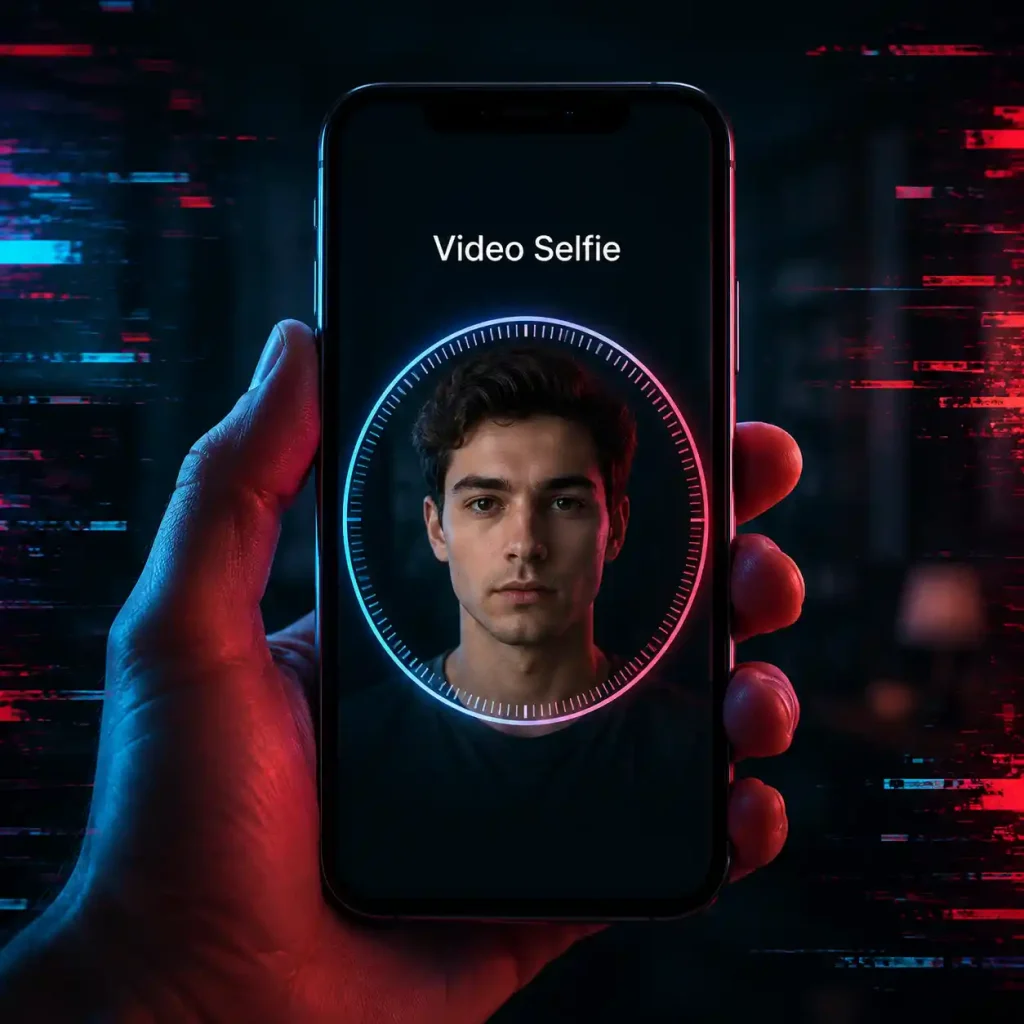
Instagram Video Selfie Verification and Disabled Accounts: What We Know So Far
5 June 2026 · Hamed
Instagram Accounts Getting Disabled After New Login | UserSell’s Experience, Global Community Reports, and Risk Reduction Tips
Over the past few months, reports of Instagram accounts being Disabled, Suspended, or being asked to complete a Video Selfie Verification have increased significantly.
Quick answer: Meta has not published a guaranteed fix. Based on user reports, the steps that appear to help most are keeping activity low for the first days after a new login, avoiding VPN location changes and third-party tools, and completing every official verification step.
A few days ago, we published an article covering several methods that may help reduce the risk of account suspension and video selfie verification. You can read it here:
How to Reduce the Risk of Instagram Disable and Video Selfie Verification.
Since publishing that article, we have gathered additional information from users and online communities. In this article, we would like to share our latest findings and observations.
This issue is not limited to one country. Users from the United States, Canada, India, Germany, France, Turkey, the United Kingdom, and many other regions have reported similar experiences on Reddit and various social media marketing communities.
Based on the experience of UserSell and hundreds of reports collected from international forums, it appears that Meta’s security systems and AI algorithms have become increasingly sensitive to new devices, sudden behavioral changes, and potentially suspicious account activity.
It is important to understand that none of the suggestions mentioned in this article are guaranteed solutions. They are based on user experiences, community observations, and recurring patterns reported by Instagram users worldwide.
Why Is This Problem Becoming More Common?
According to discussions across multiple online communities, many users believe Meta has significantly strengthened its identity verification and anti-hacking systems.
The primary goals of these systems are to prevent:
- Account hacking
- Account theft
- Mass resale of compromised accounts
- Bot activity
- Unauthorized third-party tools
However, some users believe these systems occasionally generate false positives, meaning legitimate users may be mistakenly identified as suspicious.
What Factors May Trigger Meta’s Security Systems?
- Logging in from a new phone or device
- Sudden IP address changes
- Using multiple VPN locations
- Frequent country changes
- Using unofficial Instagram applications
- Using cloned or dual-app environments
- Using follower tracking applications
- Using automation tools or bots
- Heavy activity immediately after login
- Logging in on multiple devices simultaneously
- Making major account changes within a short period
Recommended Practices After Logging Into a New Device
Many users and account managers suggest behaving as naturally as possible after logging into a new device.
While this is not an officially proven method, many community members believe it may help reduce security-related risks.
- Avoid changing your username during the first few days.
- Avoid changing your email address or phone number.
- Do not repeatedly change your password.
- Avoid deleting large numbers of posts.
- Avoid aggressive follow/unfollow activity.
- Do not use third-party Instagram tools.
- Avoid constantly switching VPN locations.
- Avoid logging in on multiple phones at the same time.
Some users even recommend keeping activity very limited during the first 3–7 days so the new device can gradually build trust with Meta’s security systems.
Is Posting Content After a New Login Risky?
There is no confirmed evidence that publishing a single post will cause an account to be disabled.
However, many users believe that heavy activity immediately after a new login may increase the likelihood of triggering security reviews.
For this reason, some users prefer to simply stay logged in and avoid major activity during the first few days.
Can Enabling Video Selfie Verification In Advance Help?
Some users recommend completing Verification Selfie or Video Selfie options if they are available in account settings.
However, Meta has not officially stated that enabling this feature prevents account suspension or disablement.
Therefore, it should be viewed only as a potential supporting measure rather than a guaranteed solution.
What Should You Do If Instagram Requests a Video Selfie?
- Use good lighting.
- Avoid filters.
- Ensure your face is clearly visible.
- Use a stable internet connection.
- If possible, use the same device previously associated with the account.
- Avoid submitting repeated video selfies unnecessarily.
- Avoid constantly changing VPN locations.
Important Notice
UserSell does not provide Instagram disabled account recovery services.
Based on user experiences, the person with the highest chance of recovering an account is usually the original account owner using their previous device and internet connection to complete the verification process.
At UserSell, Instagram account buying and selling is handled using security-focused procedures and practical experience to minimize account transfer risks whenever possible.
Browse Instagram Accounts for Sale
What To Do If Your Instagram Account Gets Disabled?
Many Instagram users worldwide have reported accounts becoming suspended or disabled after login attempts, video selfie verification requests, or sometimes even without obvious account changes.
Based on UserSell’s experience and hundreds of community reports, account recovery is often simpler than many commercial recovery services claim.
Below are the most common recommendations shared by users who successfully recovered their accounts.
First: What Should You Avoid Doing?
- Do not submit appeals every few hours.
- Do not constantly switch VPN locations.
- Do not log in from multiple devices repeatedly.
- Do not repeatedly change your email or phone number.
- Do not repeatedly change your password.
- Do not trust people offering “guaranteed recovery”.
- Do not send personal identification documents to unofficial individuals or websites.
Step 1: Use Your Previous Device Whenever Possible
One of the most common patterns reported by users is successful recovery when using the same device previously associated with the account.
Many users believe Meta assigns a level of trust to recognized devices.
- Use your previous phone if available.
- Use your previous internet connection if possible.
- Use the same country or region if possible.
Step 2: Complete Every Official Instagram Verification Step
If Instagram requests:
- Email verification
- Phone verification
- Security codes
- Video selfie verification
Complete every step carefully and avoid abandoning the process midway.
Step 3: If You See “Your Information Is Under Review”
Many users become impatient at this stage.
Community reports suggest reviews may take:
- Several hours
- Several days
- Several weeks
Patience is often recommended during this stage.
Step 4: Submit An Official Appeal
If Instagram offers an appeal option, use the official process.
Users frequently report that one complete appeal is more effective than submitting dozens of duplicate requests.
What If Video Selfie Verification Fails?
- Use proper lighting.
- Ensure your face is clearly visible.
- Avoid filters.
- Avoid sunglasses.
- Use a clean, high-quality camera.
Many users also recommend retrying from the same device previously used for the account.
Can Meta Verified Support Help?
Some users report improved success rates after contacting Meta Verified support because it may provide access to human review channels.
However, this is not guaranteed.
Does Submitting Identification Documents Help?
If Instagram officially requests identification documents, submitting them through Meta’s official system may assist with verification.
Never send personal documents to unofficial third parties.
What Factors Appear To Help Recovery Most?
- Successfully completing Video Selfie verification
- Verified email and phone number
- Using the original device
- Submitting an official appeal
- Access to Meta Verified support
What Usually Does Not Have Proven Value?
- Guaranteed recovery services
- Submitting hundreds of duplicate appeals
- Paying recovery middlemen
- Using recovery bots
- Constantly changing VPN locations
Related Guides on Account Safety
- How to reduce the risk of an Instagram disable after a new login – Our first article on this problem. It lists the habits that may lower the risk when you log in on a new device, so it is a good place to start if your account is still working.
- How to recover a disabled Instagram account – A longer step-by-step guide for the case where the account is already disabled. It explains what to do first and what to avoid.
- Guide to preventing Instagram hacks – Covers two-factor authentication, safe login habits and warning signs. Useful because a hacked account is a common reason for security checks.
- Safely buying or selling Instagram accounts – Explains how to move an account to a new owner with less risk of a security lock. Read it before you buy or sell.
- UserSell escrow service – Shows how payment is held until the account is handed over.
17 Frequently Asked Questions From International Communities
1. Is this problem limited to one country?
No. Users worldwide have reported similar experiences.
2. Can logging in on a new phone trigger security checks?
Many users believe it can increase account review risk.
3. Does using a VPN increase risk?
Frequent VPN location changes may raise suspicion.
4. Is deleting posts risky?
Large-scale deletion immediately after login is often discouraged.
5. Is changing a username risky?
Many users recommend waiting a few days before making major changes.
6. Is changing email or phone number risky?
It may be safer to delay these changes after a new login.
7. Are follower-tracking apps risky?
Many users advise avoiding them.
8. Can Instagram detect account ownership transfers?
There is no official confirmation regarding this.
9. Is Video Selfie verification reviewed by AI?
Many users believe automated systems are involved in part of the process.
10. Should I repeatedly submit selfies?
Most users advise against it.
11. Can reduced activity help?
Many users believe limited activity may reduce risk.
12. Is posting Stories risky?
No definitive evidence exists, but excessive activity is often discouraged.
13. Is Two-Factor Authentication useful?
Yes. It is widely recommended.
14. Do verified contact details help?
Yes. Verified email and phone information are generally recommended.
15. Can legitimate accounts be disabled?
Yes. Reports of false positives exist.
16. Can disabled accounts return automatically?
Some users report automatic restoration after days or weeks.
17. What is the most common recommendation?
Build trust for the new device, avoid third-party tools, and avoid major account changes immediately after login.
Source
This article is based on UserSell’s experience and analysis of reports shared across international forums, social media communities, and public discussions.
Reproduction of this content is allowed only when proper credit is provided.
UserSell
https://usersell.com


Leave a comment